Linux VPS
Ubuntu, Debian and other distributions with root over SSH.
Linux VPS
A KVM virtual server with Linux or Windows Server, local NVMe and one public IPv4 address included. Run by a Czech team. For databases, game backends, bots and custom applications.
from $3.40 / month · final price, we are not VAT-registered
Disk and vCore count scale with memory. The price already includes one IPv4 address; more can be added.
$3.40/ month
$5.80/ month
$8.20/ month
Recommended
$10.60/ month
How billing works. Prices are per month of operation, and that is how they are charged — once a month the price of the whole billing period is taken from your account credit. Credit is topped up in advance in the client area; if it is not sufficient on the billing date, the service is suspended. The provider is not VAT-registered, so the prices shown are final. The service is provided by BLAZEHOST LIMITED (Company number 17523509). Terms of service · Privacy policy · Legal notice
Disk and vCores scale with memory. For Windows Server we recommend a plan with at least 4 GB RAM.
Top up credit by card via Stripe (or Apple Pay / Google Pay), via PayPal or in cryptocurrencies (NOWPayments) and the server is provisioned automatically once paid. Credentials and the IP address are in the client area and the VPS panel.
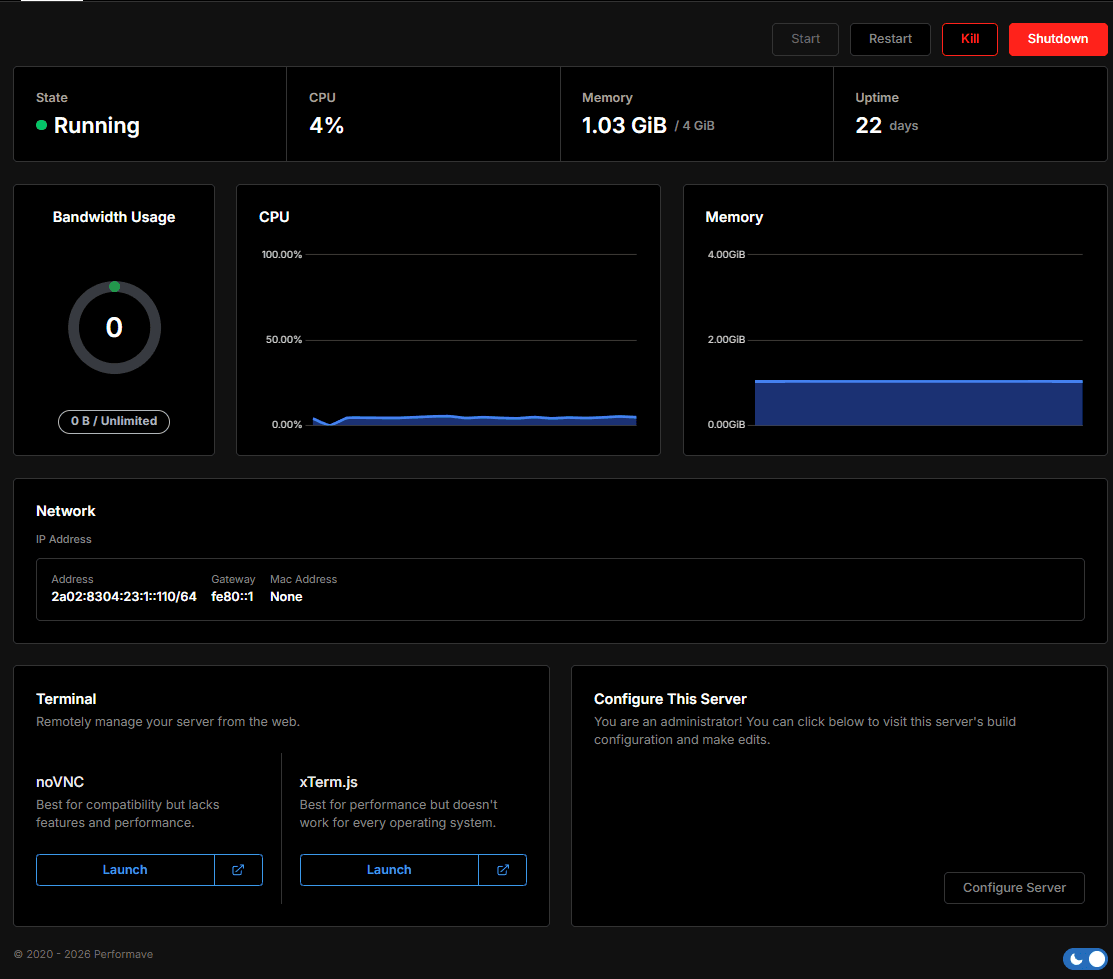
Linux over SSH, Windows over Remote Desktop (RDP). If you cannot get in, use the console in the VPS panel.
Game hosting is a ready environment for one game: panel, version installer, backups and OS updates are handled by us. A VPS is an empty server with root access — install whatever you like, but the system, security and backups are yours.
For a single Minecraft or FiveM server, game hosting is simpler and cheaper to run. A VPS makes sense when you need your own software, several services side by side or your own IP address.
When you need more than space for one game — your own environment, your own ports and the freedom to configure the system your way.
Basic server management does not go through support — you have your own panel for it.
| Virtualisation | KVM (Proxmox) |
|---|---|
| Storage | Local NVMe SSDNot network storage. |
| Connectivity | 1 Gbit/s |
| DDoS protection | IncludedNo surcharge. |
| Guaranteed uptime | not specifiedNo SLA published yet. Monitoring runs at status.blazehost.cz. |
| Processor | not specifiedShared physical processor, performance capped by the vCore limit. |
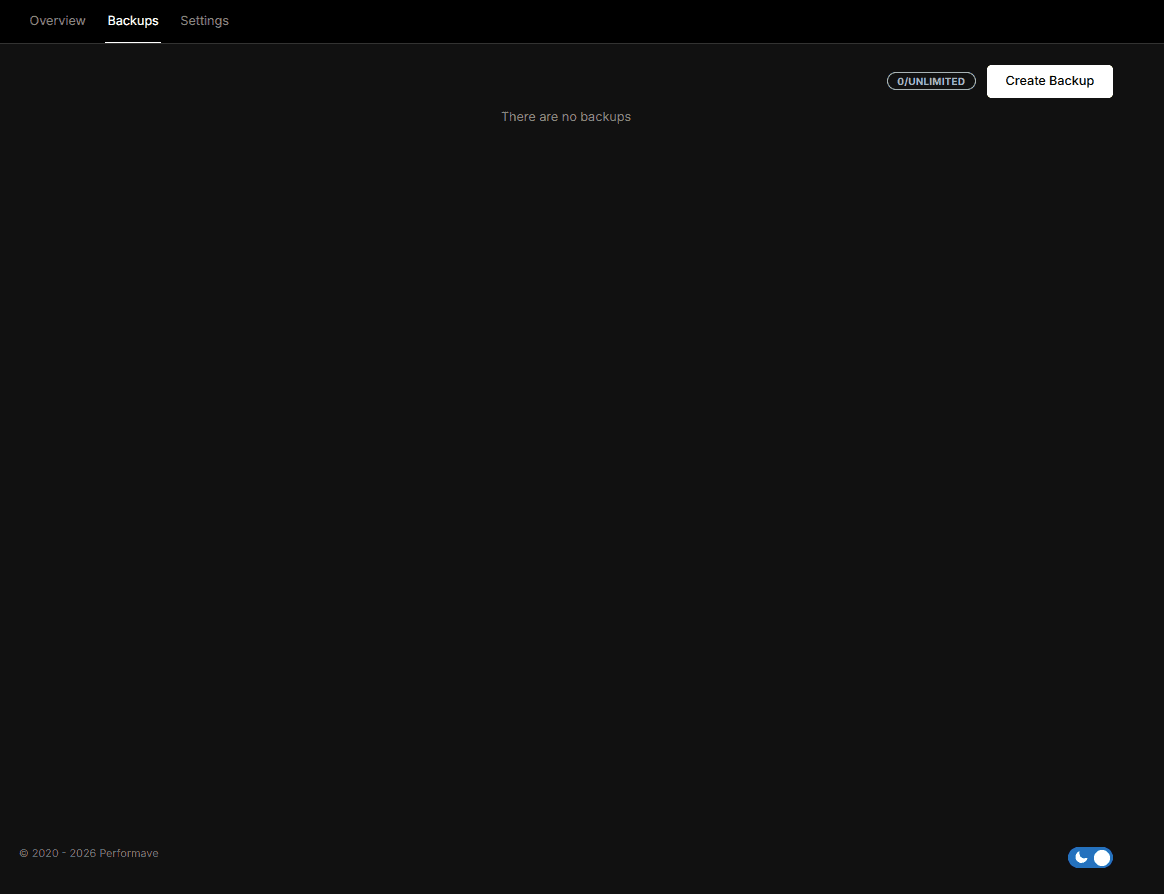
| Backups | not specifiedWe do not offer automatic VPS backups yet. |
Ubuntu, Debian and other distributions with root over SSH.
Linux VPSWindows Server with Remote Desktop access. Licence not included.
Windows VPSSupport in Czech and CZK prices — and where the servers actually are.
What it meansYes, one public IPv4 address is part of the listed monthly price. Additional addresses cost 25 CZK per month. This does not apply to game servers, which run on a shared address.
Memory and disk are dedicated per plan. Compute is capped by a vCore limit on a shared physical processor, so performance can vary when neighbouring machines are fully loaded. Exclusive access to a whole processor is what dedicated servers are for.
No. We do not offer automatic virtual server backups yet; backing up is on the customer. You can take a manual snapshot in the VPS panel, or back up from inside the system.
No, this is an unmanaged VPS. Updates, firewall configuration and application security are yours. We help with server availability, the network and the hypervisor.
Linux distributions offered in the VPS panel (for example Ubuntu, Debian or Rocky Linux) and Windows Server. A Windows Server licence is not included in the plan price — see the Windows VPS page. You can reinstall onto a different system at any time; the disk is wiped.
We do not state the exact VPS location on the website yet — if you need to know it, ask us before ordering. Support answers in Czech, but the server is not located in Czechia.
Virtual servers are provisioned automatically once the order is confirmed. Credentials and the IP address are in the client area and the VPS panel.
If none of the plans fit, send us the configuration you need and we will come back with a price.