Linux VPS: first setup
Choosing a distribution, updates and creating a user.
Open in wiki (opens in a new tab)
A KVM virtual server with Ubuntu, Debian or another distribution from the panel. Root access, local NVMe, one IPv4 address included and a console for when SSH fails. For Docker, websites, databases, bots and game backends.
from $3.40 / month · final price, we are not VAT-registered
Linux needs little — a small website, bot or VPN runs fine on the smallest plan. Disk and vCores scale with memory and the price includes one IPv4 address.
$3.40/ month
$5.80/ month
$8.20/ month
Recommended
$10.60/ month
How billing works. Prices are per month of operation, and that is how they are charged — once a month the price of the whole billing period is taken from your account credit. Credit is topped up in advance in the client area; if it is not sufficient on the billing date, the service is suspended. The provider is not VAT-registered, so the prices shown are final. The service is provided by Jiří Viták (Company ID (IČO) 21766177). Terms of service · Privacy policy · Legal notice
2 GB is enough for a small website or bot; plan 4–8 GB for Docker with several containers or a database.
The server is provisioned automatically once paid. Change the distribution any time by reinstalling in the VPS panel.
With ssh root@IP-address. Credentials are in the client area, the IP address also in the VPS panel.
You get a Linux VPS with a clean install and root access. We look after the hardware, network, hypervisor and DDoS protection; the system inside the server is yours.
The first steps after install are always the same: update the system, create a regular sudo user, log in with an SSH key and enable a firewall. The guides below cover each.
Anything that needs its own system, its own ports or several services side by side.
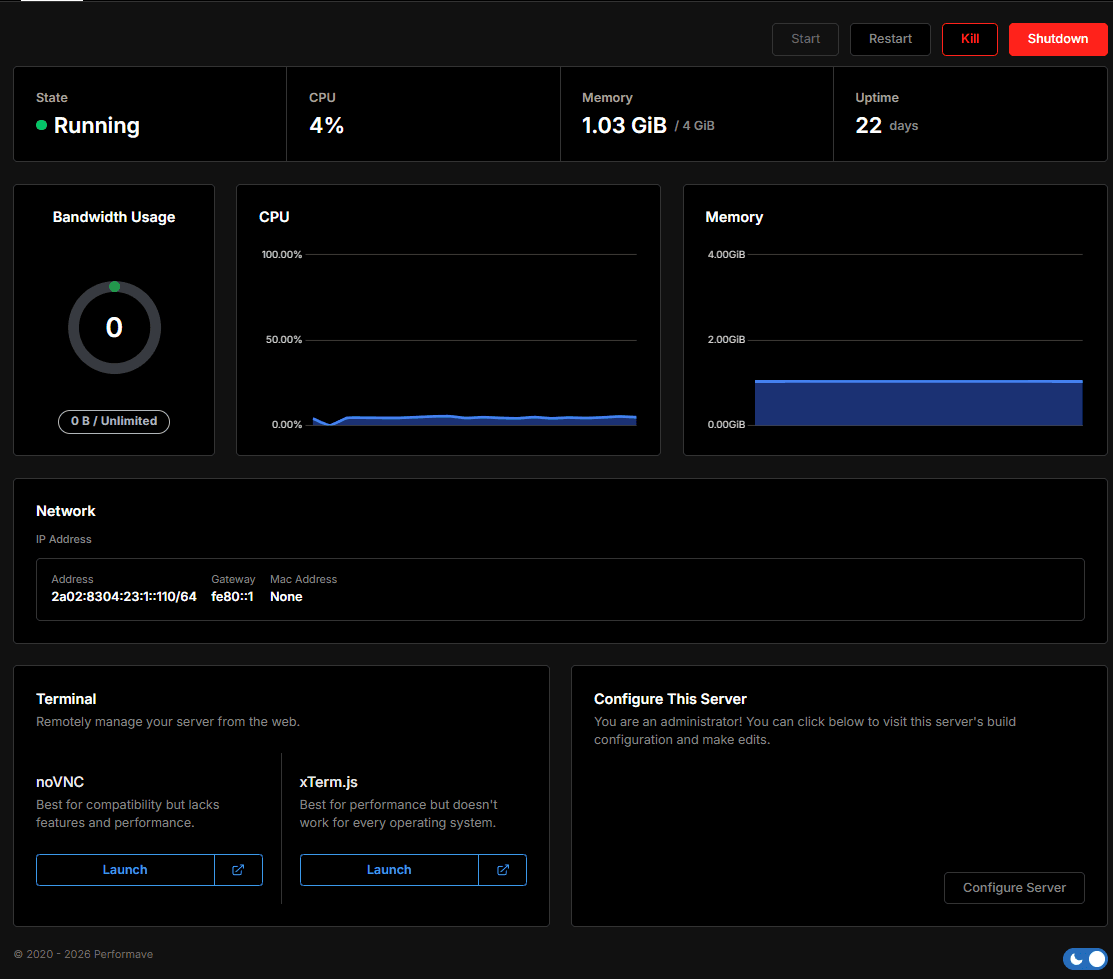
Basic server management does not go through support — you have your own panel for it.
| Virtualisation | KVM (Proxmox) |
|---|---|
| Memory | DDR4 |
| Storage | Local NVMe SSDNot network storage. |
| Connectivity | 1 Gbit/s |
| Location | Frankfurt, GermanyOur own hardware, colocated. |
| DDoS protection | 7.4 Tbps DDoS protection by DataforestAlways on, included and no surcharge. |
| Guaranteed uptime | not specifiedNo SLA published yet. Monitoring runs at status.blazehost.cz. |
| Processor | AMD Ryzen 9 5900XShared physical processor, performance capped by the vCore limit. |
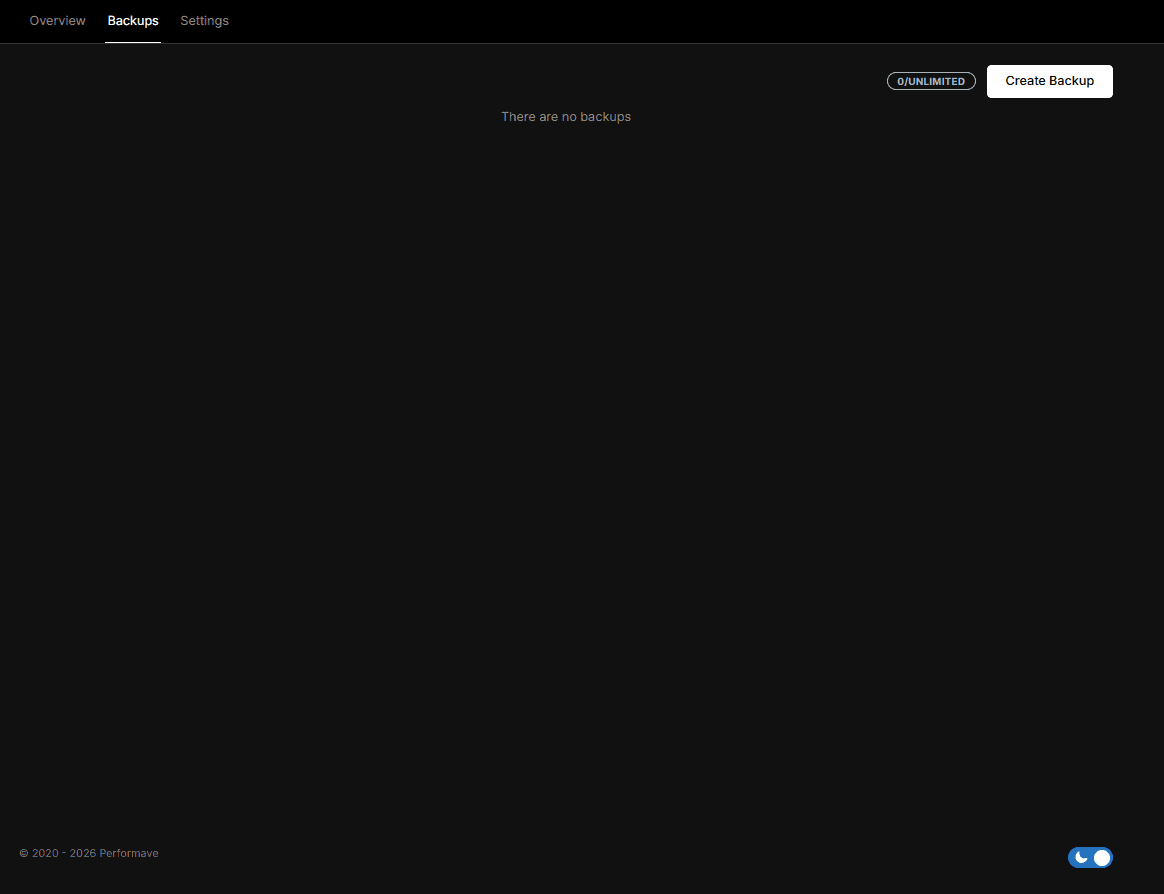
| Backups | not specifiedWe do not offer automatic VPS backups yet. |
Step-by-step guides in our wiki (in Czech).
Choosing a distribution, updates and creating a user.
Open in wiki (opens in a new tab)Connecting from Windows, macOS and Linux, and SSH keys.
Open in wiki (opens in a new tab)Which ports to open and how to restrict them.
Open in wiki (opens in a new tab)Why not to work as root and how to set up sudo.
Open in wiki (opens in a new tab)When swap helps and how to add it.
Open in wiki (opens in a new tab)How to get data off the VPS.
Open in wiki (opens in a new tab)All plans, specifications and how a VPS compares with game hosting.
VPS hostingWindows Server with Remote Desktop access.
Windows VPSCzech support, CZK prices and Czech invoicing.
What it meansIf unsure, pick Ubuntu LTS — long support and the most guides. Debian is more conservative and stable; Rocky Linux suits cases that need RHEL compatibility. The current list is in the VPS panel.
Yes, by reinstalling in the VPS panel. The whole disk is wiped — back up your data first.
Yes. Install any software, change system configuration within KVM virtualisation and open your own ports.
The VPS panel has a console that reaches the server even without working networking or SSH — after a firewall mistake, for example.
No. We do not offer automatic VPS backups. Take a manual snapshot in the VPS panel before bigger changes and keep important data off the server.
Yes, one public IPv4 address is part of the monthly price. More can be added for the surcharge listed with the plan.
Tell us what will run on the server and we will suggest a configuration.