Installing plugins
Download from Modrinth, Hangar or SpigotMC and upload to the /plugins folder.
Open guideRent a Minecraft server on our own hardware with local NVMe storage. Install Vanilla, Paper, Forge or Fabric from the panel, or upload Purpur, NeoForge or a modpack as your own JAR. Console, files, backups and version changes are yours, no ticket needed.
from $2.40 / month · final price, we are not VAT-registered

RAM is the deciding factor — a vanilla world needs little, a modpack needs considerably more. If you are unsure, use the advisor below the price list.
$2.40/ month
$3.60/ month
$4.80/ month
$6.00/ month
Recommended
$9.60/ month
How billing works. Prices are per month of operation, and that is how they are charged — once a month the price of the whole billing period is taken from your account credit. Credit is topped up in advance in the client area; if it is not sufficient on the billing date, the service is suspended. The provider is not VAT-registered, so the prices shown are final. Terms of service
Answer three questions and we will show the plan that usually covers your case. The result always shows what the estimate is based on.
Suggested plan
6 GB
$7.20 / month
This is an estimate, not a performance guarantee. If you are unsure, send us your actual requirements and we will advise on those.
Based on software, plugins and player count. The advisor above estimates a plan and shows what it is based on.
Create an account, top up credit via GoPay and the server is created automatically once paid.
Pick the version and software in the panel; players join on the address and port — or on your own domain via an SRV record.
Move the world, plugins and configuration over SFTP. If you are unsure, we will help — the scope is agreed up front.
For a plugin server (economy, land protection, minigames) Paper is the default — faster than Vanilla and it runs Bukkit and Spigot plugins. Purpur is a Paper fork with extra settings.
Mods need a mod loader: Fabric for lighter and performance mods, Forge and NeoForge for large modpacks. Server and client must run the same game and loader version.
From a private world for friends to a public community. The difference between plans is mostly how much memory the modpack eats and how many players connect at once.
Day-to-day administration does not go through support. The panel covers everything routine operation needs.

| Processor | AMD Ryzen 9 5900XThe same line across our game nodes. |
|---|---|
| Memory | DDR4 |
| Storage | Local NVMe SSDNot network storage. |
| Connectivity | 1 Gbit/s |
| Location | Frankfurt, GermanyOur own hardware, colocated. |
| DDoS protection | 7.4 Tbps DDoS protection by DataforestAlways on, included and no surcharge. |
| Guaranteed uptime | not specifiedNo SLA published yet. Monitoring runs at status.blazehost.cz. |
What you will deal with most often once the server is running.
Download from Modrinth, Hangar or SpigotMC and upload to the /plugins folder.
Open guideChoosing a loader, uploading a server pack and how much memory a modpack needs.
Open guideProfiling with spark, view distance, pre-generating the world and Paper configs.
Open guideWho can join, permission levels and the basic server settings.
Open guideCreating and restoring backups and updating safely to a new game version.
Open guideMemory for a group of friends, a public server or a modpack — and why RAM is not everything.
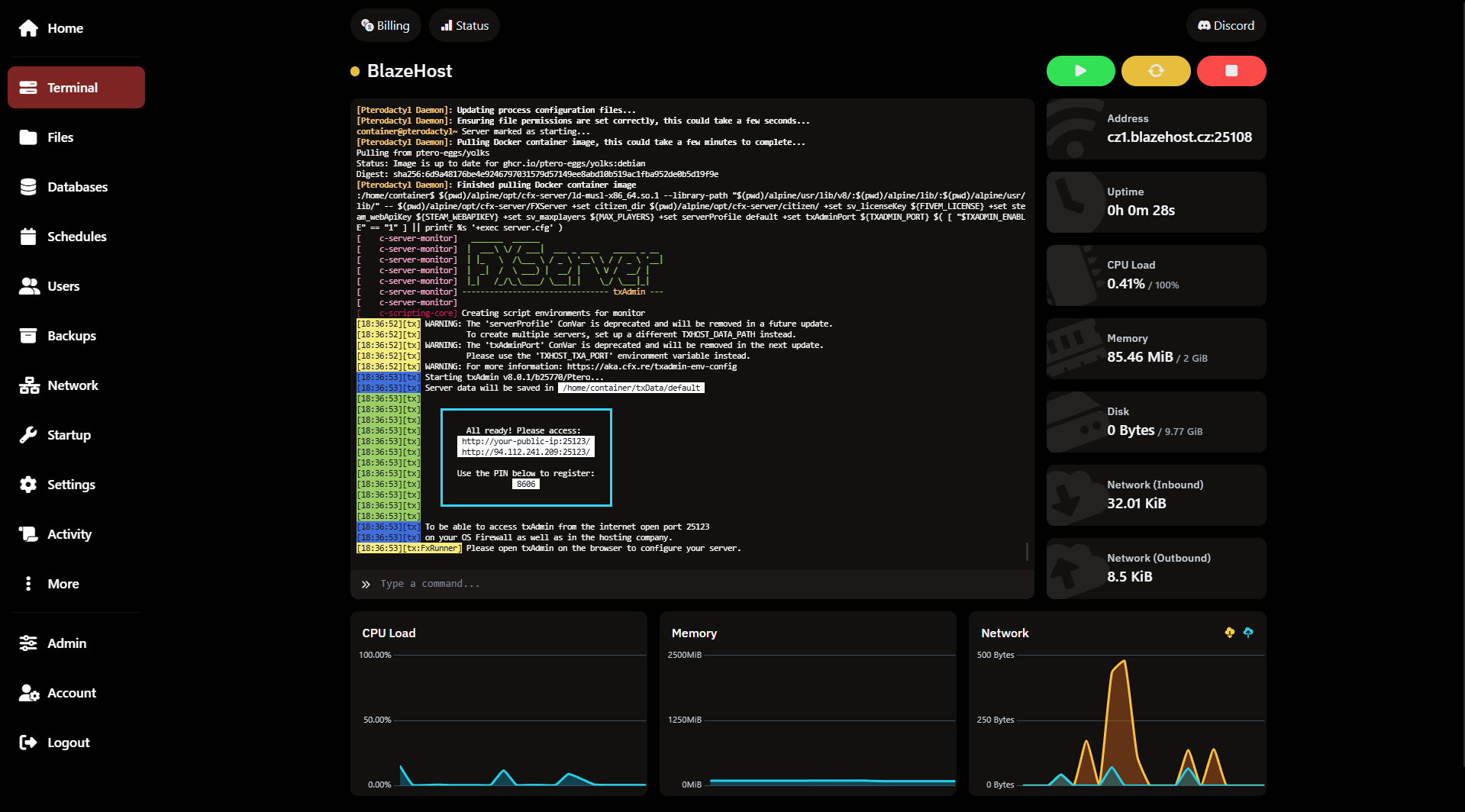
Read articleA GTA V roleplay or PvP server with txAdmin and a MySQL database.
FiveM plansEvery game and service you can run with us.
All game serversCheck for free whether a server responds, how many players are online and its MOTD.
Open toolVanilla or Paper with a few plugins is fine on 4 GB. A public server with economy and land protection usually wants 8 GB. A modpack with roughly 150 mods runs sensibly from 12 GB up. The advisor on this page picks a plan for your configuration and shows what the estimate is based on.
Yes, both are in the panel installer. You can also upload your own JAR via the file manager or SFTP and run practically any server software — Purpur or NeoForge, for example.
The server is created automatically once the order is paid in the client area. Panel access is available straight after.
It depends on the version, plugins, mods and world generation — the same plan behaves differently for a vanilla world and a heavy modpack. That is why we do not print fixed numbers on plans; where we do give an estimate, we always state the assumptions behind it.
Yes, more RAM, disk and CPU is handled in the client area. The change takes effect after a restart; the world and configuration stay in place.
We back up the server automatically every night and keep the last 5 days. On top of that you can create, restore and download your own backups in the panel; the number of manual backup slots is set per service and shown in the panel. It pays to take a manual backup before any bigger change.
Game servers run on a shared IPv4 address with a dedicated port. If you want a connection without a port number, point your own domain at the server with an SRV record. A dedicated IPv4 address is not available on game plans.
Pick a plan from the price list, or get in touch and we will go through your setup together.