Logging in over RDP
Connecting to Remote Desktop from Windows, macOS and Linux.
Open in wiki (opens in a new tab)
A KVM virtual server you install Windows Server on and reach over Remote Desktop (RDP). For .NET applications, software without a Linux version or a workspace you can reach from anywhere. The Windows Server licence is not included in the plan price.
from $3.40 / month · final price, we are not VAT-registered
Windows Server needs more memory than Linux — we recommend 4 GB for regular use and 8 GB or more for a database or several applications. The listed price covers the server and one IPv4 address, not the Windows licence.
$3.40/ month
$5.80/ month
$8.20/ month
Recommended
$10.60/ month
How billing works. Prices are per month of operation, and that is how they are charged — once a month the price of the whole billing period is taken from your account credit. Credit is topped up in advance in the client area; if it is not sufficient on the billing date, the service is suspended. The provider is not VAT-registered, so the prices shown are final. The service is provided by Jiří Viták (Company ID (IČO) 21766177). Terms of service · Privacy policy · Legal notice
The Windows Server licence is not included. Message us before ordering and we will agree how to handle it for your case.
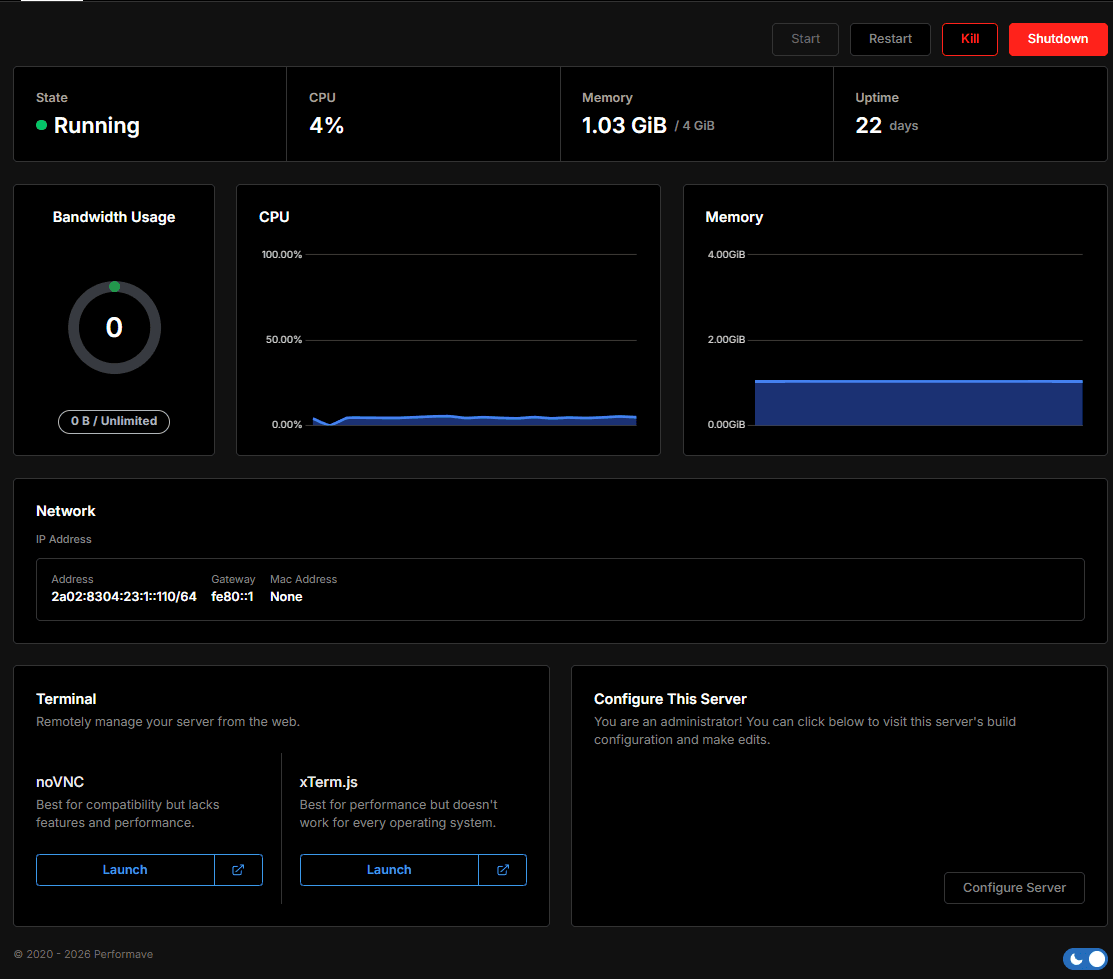
The server is provisioned automatically once paid. Install Windows Server by reinstalling in the VPS panel.
On Windows via Remote Desktop Connection (mstsc), on macOS via the Windows App. Then change the password and install updates straight away.
The plan price covers the virtual server — compute, memory, NVMe disk, one IPv4 address and DDoS protection. The Windows Server operating system licence is not included.
Before ordering a Windows VPS, contact us on Discord or by e-mail. We will agree how to handle the licence for your case so you know the total price up front.
RDP on the default port 3389 with the Administrator account is one of the most attacked configurations there is — login attempts start soon after the server goes live. DDoS protection handles network floods, not password guessing.
When the software requires Windows, or you need a graphical environment reachable from anywhere.
Basic server management does not go through support — you have your own panel for it.
| Virtualisation | KVM (Proxmox) |
|---|---|
| Memory | DDR4 |
| Storage | Local NVMe SSDNot network storage. |
| Connectivity | 1 Gbit/s |
| Location | Frankfurt, GermanyOur own hardware, colocated. |
| DDoS protection | 7.4 Tbps DDoS protection by DataforestAlways on, included and no surcharge. |
| Guaranteed uptime | not specifiedNo SLA published yet. Monitoring runs at status.blazehost.cz. |
| Processor | AMD Ryzen 9 5900XShared physical processor, performance capped by the vCore limit. |
| Backups | not specifiedWe do not offer automatic VPS backups yet. |
Step-by-step guides in our wiki (in Czech).
Connecting to Remote Desktop from Windows, macOS and Linux.
Open in wiki (opens in a new tab)The most common reasons you cannot connect and how to fix them.
Open in wiki (opens in a new tab)Restricting access to RDP and other ports.
Open in wiki (opens in a new tab)A manual snapshot in the VPS panel before updating.
Open in wiki (opens in a new tab)All plans, specifications and how a VPS compares with game hosting.
VPS hostingUbuntu, Debian and other distributions with root over SSH.
Linux VPSCzech support, CZK prices and Czech invoicing.
What it meansNo. The plan price includes the virtual server, one IPv4 address and DDoS protection, not a Windows Server licence. Contact us before ordering and we will agree how to handle it.
Microsoft lists 2 GB as the minimum for Windows Server with the desktop experience, but the system alone uses most of that. We recommend 4 GB for regular use and 8 GB or more for a database or several applications.
You will see the available versions in the VPS panel when reinstalling. If you need a specific version, ask us before ordering.
Over Remote Desktop (RDP) to the server's IP address — on Windows with Remote Desktop Connection, on macOS with the Windows App. If RDP fails, use the console in the VPS panel.
No, we do not offer automatic VPS backups. Take a manual snapshot in the VPS panel and keep important data off the server too.
Tell us what you need the Windows VPS for. We will agree the licence and a suitable plan before you pay anything.